Healthcare 5 min read
Medical Practice Website Redesign: What to Check Before Launch
A buyer checklist for a medical website redesign that covers location routing, content ownership, accessibility checks, search migration, and staff handoff.

THE SHORT VERSION
- Define the visitor tasks and staff responsibilities behind the redesign.
- Test inquiry delivery, location details, accessibility, and changed URLs.
- Make access, training, and post-launch support part of acceptance.
A redesign is a good time to examine what happens after someone finds your practice. Can they choose the right office, confirm that a service is available there, and understand how to request an appointment? Can your staff maintain those details without opening a support ticket for every change?
For a practice owner or operations lead, those questions belong in the proposal alongside design. We recommend using this checklist to define scope and accept the finished work.
Give the redesign a specific job
List the problems that prompted the project. “The site feels dated” may be true, but it does not explain which decisions the new site should make easier.
Choose the visitor tasks that matter to your practice: finding an office, reviewing a provider, understanding a service, requesting an appointment, or accessing an existing patient portal. Then identify the staff member responsible for each next step.
Distinguish an appointment request from a confirmed booking. The page, button, and confirmation message should describe the actual process. Have the practice approve response expectations, urgent-care instructions, and any clinical language before publication.
Inventory what you are replacing
Build a list of current pages, forms, PDFs, phone links, portal links, and embedded tools. Record which content stays, changes, combines, or retires. Include pages that receive search visits or are linked from referring offices and printed materials.
Ask each location to verify its address, office hours, services, provider availability, and contact route. Set an owner for future changes. A redesign can make inconsistent information look more polished without resolving the inconsistency.
For photography and testimonials, confirm what the practice can publish and what each asset represents. A stock or generated image should not imply that it shows your office, staff, or a patient outcome.
Make launch acceptance observable
Agree on the evidence before the build begins. This is a practical starting point; add checks for the systems and visitor needs in your scope.
| Area | Evidence to review | Suggested owner |
|---|---|---|
| Location routing | Each office’s calls, directions, portal links, and requests reach the intended destination | Practice operations |
| Forms | Approved test submissions arrive; errors and delivery failures have a defined response | Operations and engineering |
| Content | Services, credentials, hours, and response expectations have a named reviewer | Practice content owner |
| Accessibility | Recorded keyboard, zoom, form feedback, and assistive technology checks | Design and engineering |
| Search migration | Changed URLs map to appropriate destinations; internal links and indexing settings are checked | SEO and engineering |
| Handoff | Practice-owned access, editing instructions, recovery contacts, and support terms are documented | Practice project owner |
For form feedback, W3C recommends explaining errors and helping people correct them. Test both the message and how someone reaches the affected field. A red border alone is not a useful explanation. W3C’s guidance on form notifications.
Treat the accessibility row as work requiring evidence. An automated scan or a checklist by itself does not establish that every visitor can complete the task.
Preserve useful search paths when URLs change
Keep existing addresses where they still make sense. For pages that move, prepare a mapping from the old URL to the relevant new destination, implement permanent server-side redirects where possible, and update internal links. Google recommends planning those mappings and monitoring both old and new URLs during a move. Google’s site migration guidance.
Ask to review representative redirects, the sitemap, canonical URLs, and production indexing settings before launch. Include provider pages, office pages, PDFs, and campaign destinations in the inventory. Do not send every retired page to the homepage regardless of its purpose.
Record a search baseline so the team can investigate changes after launch. Separate indexing problems from changes in demand, content, or the services offered. A migration plan reduces avoidable mistakes; it cannot promise unchanged rankings.
Test the complete request journey
Have someone unfamiliar with the build use the site on a phone. Ask them to find a particular office and complete an approved test request. Watch for uncertainty about location, required fields, and what happens next.
Then check the receiving side with staff. Confirm the destination, useful context, confirmation message, and escalation when delivery fails. Agree which information belongs in the form and which belongs in an approved patient system. Review analytics and embedded tools so form contents and sensitive details do not enter ordinary marketing events.
Compare proposals on ownership as well as pages
Ask each vendor to specify page templates, content migration, editing access, integrations, launch checks, and staff training. Clarify who controls the domain, hosting, source code, analytics, and third-party accounts. Record recurring costs and the difference between included support and new work.
A useful handoff lets your team update office hours, report a broken request, and find the right administrator without reconstructing the project history.
Modern Labyrinth builds medical practice websites and workflows. Bring your current site and a short list of operational problems to the first conversation. Our vendor handoff checklist can help you organize the scope before choosing a build partner.
Prepare a clearer vendor handoff
Use the checklist to organize website ownership, access, content, and launch responsibilities.
Open the handoff checklistKeep working through it.
All insights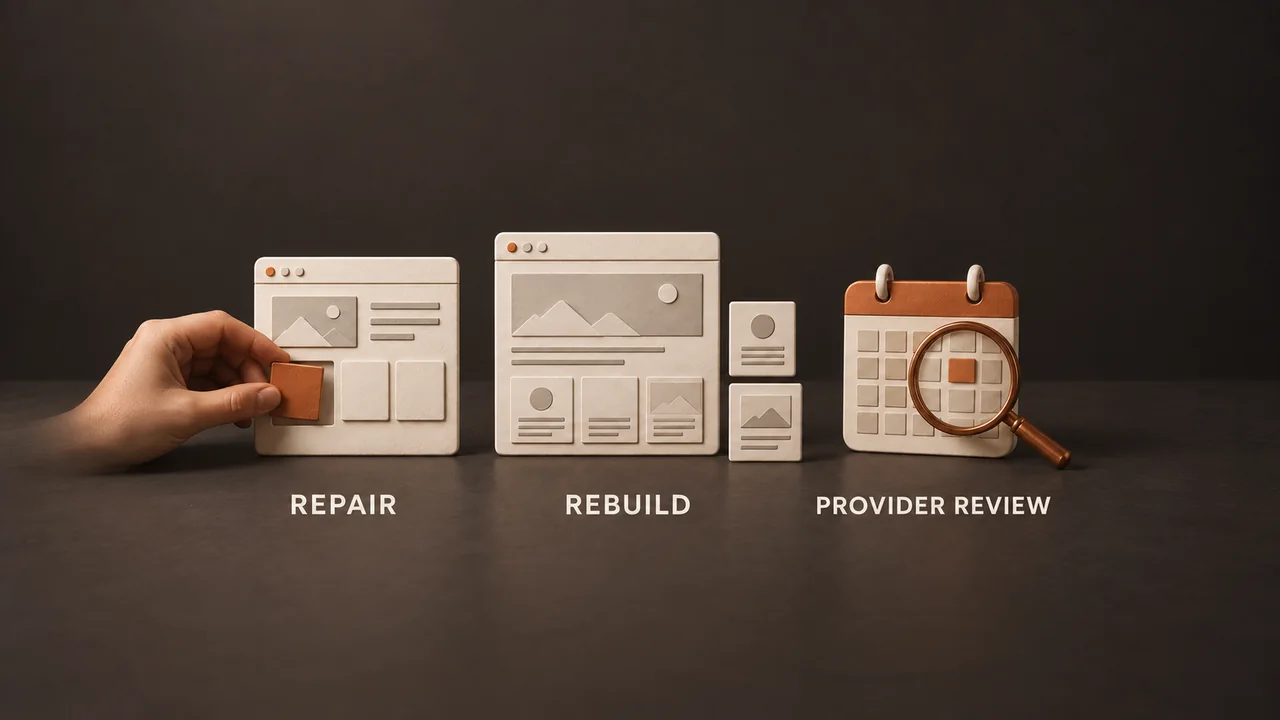
Healthcare 3 min read
Repair Your Medical Website, Rebuild It, or Review the Booking Platform?
Choose a useful next step for a practice website problem: a scoped repair, a public website rebuild, or a conversation with your booking provider.

Healthcare 5 min read
Healthcare Software Integration: A Checklist Before You Hire
Define the workflow, vendor access, failure handling, and acceptance evidence before committing to a healthcare software integration.

Healthcare 5 min read
Multi-Location Healthcare SEO: Build Around Real Offices
A practical approach to location pages, Google Business Profiles, useful local content, and inquiry measurement for growing medical groups.